Install BerEditor on Linux
The Linux download is a ZIP archive. The screenshot below shows the terminal commands used to extract the archive and start BerEditor.
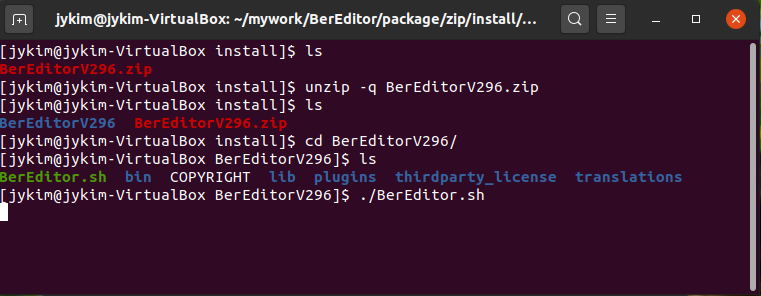
Install and launch
- Download the Linux ZIP package,
BerEditorV296.zip, and open a terminal in the directory where it was saved. - Extract the archive:
sh
   unzip -q BerEditorV296.zip
- Change to the extracted application directory:
sh
   cd BerEditorV296
- Start BerEditor:
sh
   ./BerEditor.sh
The archive name and extracted directory shown above include a specific release version. They may change between releases. Replace BerEditorV296.zip and BerEditorV296 in the commands with the actual archive filename and directory name for the version you downloaded. If the archive is saved elsewhere, use its actual path as well.