Install BerEditor on Windows
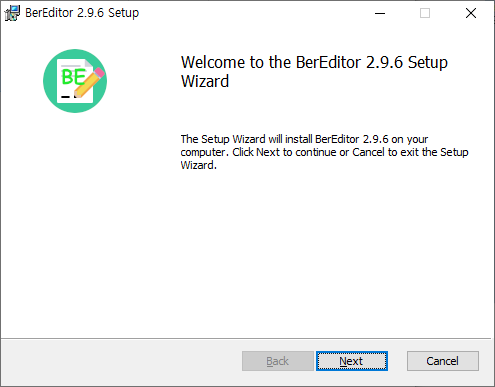
The Windows installer uses a setup wizard. The screenshots below show the installation flow for BerEditor 2.9.6.
Install BerEditor
- Download and run the BerEditor Windows installer (
.msi). The setup wizard opens with a welcome page. Select Next.
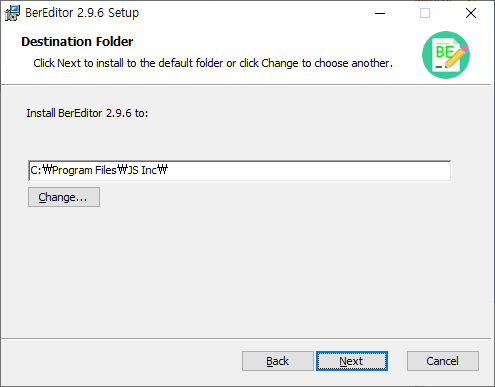
- Review the destination folder. Keep the default location or select Change... to choose another folder, then select Next.
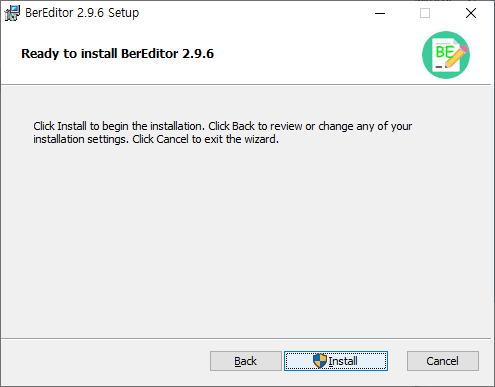
- On the ready-to-install page, select Install to begin.
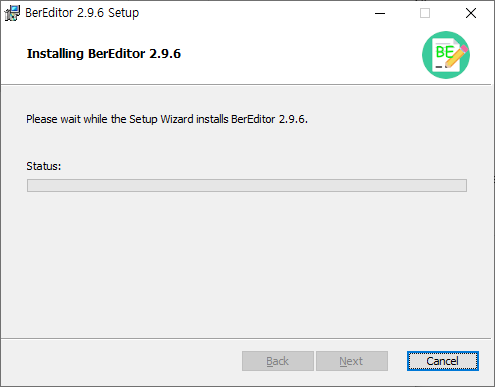
- Wait while the setup wizard installs BerEditor.
- When setup is complete, select Finish to close the wizard.
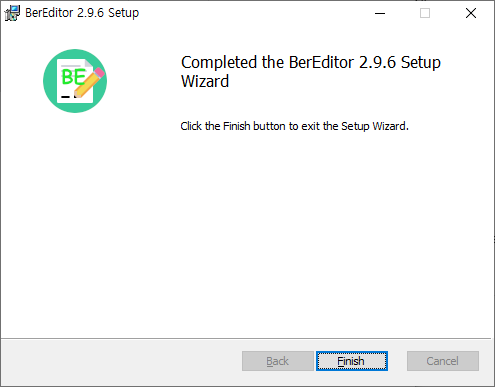
The screenshots show version 2.9.6. Installer filenames and version numbers may differ in later releases; use the installer for the version you downloaded.