Install BerEditor on macOS
- Open the downloaded BerEditor disk image (
.dmg). A window like the one below will appear.
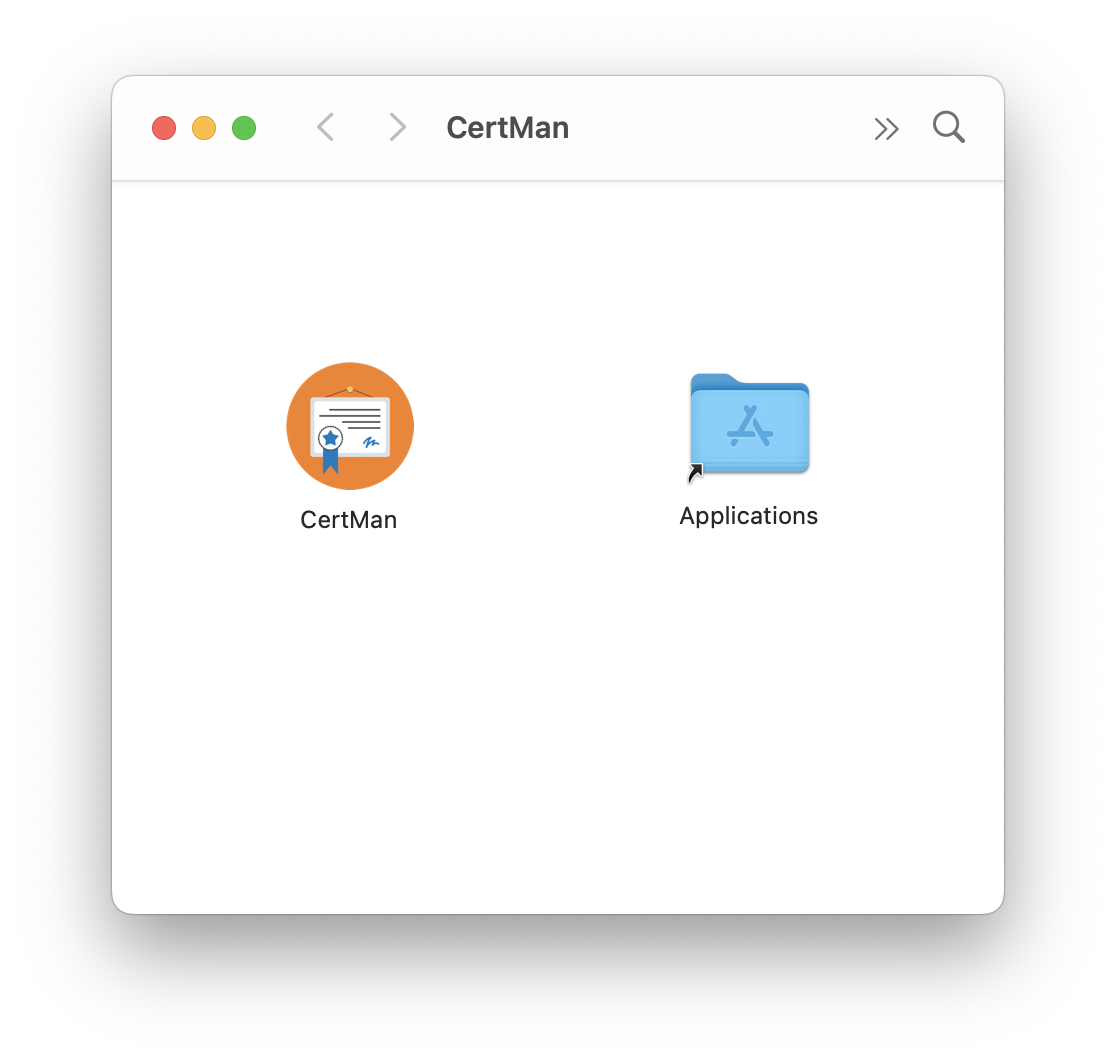
- Click and hold the BerEditor icon.
- Drag it onto the Applications folder icon, then release the mouse button.
- Wait for the copy to finish, then eject the BerEditor disk image.
- Open Applications and double-click BerEditor to launch it.
If macOS asks you to confirm that you want to open the app, review the prompt and choose Open.